Product Groups
In your serB2B system, you can define product group listings for your products separately from categories. You can name each group and organise them in a hierarchical structure (parent group – sub-group).
This way, your customers can filter your products more easily and quickly find what they are looking for.
Listing Product Groups
Go to the Products > Product Groups section in your serB2B admin panel to list product groups.

Adding a New Product Group
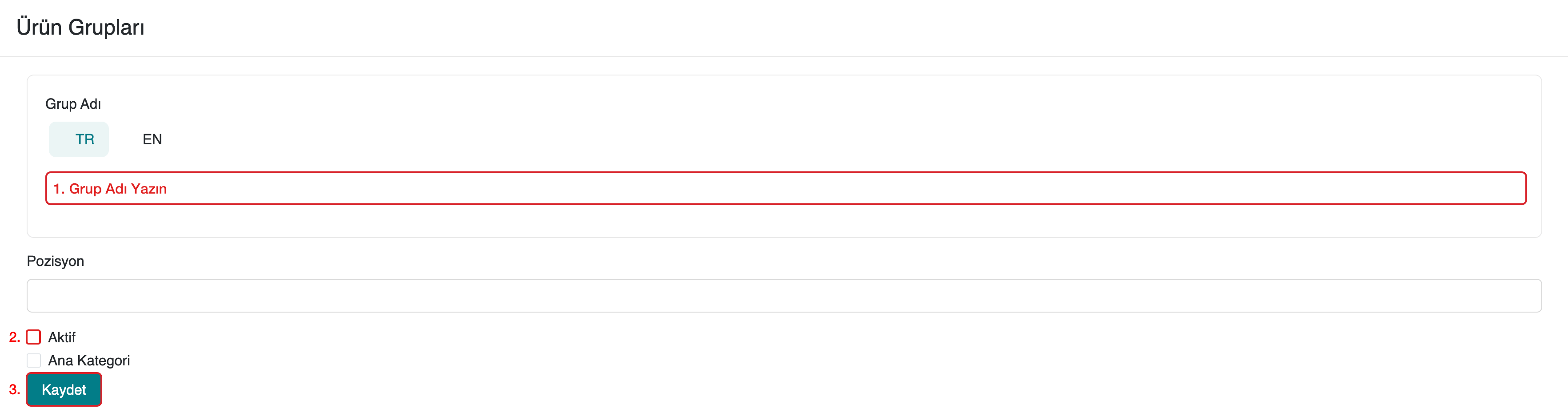
Go to the Products > Product Groups section in your serB2B admin panel, click the + button in the top right corner, and then follow the steps below to add a new product group.

Step-by-Step Guide
- Enter the Group Name.
- Check the Active checkbox.
- Click the Save button.
Deleting a Group
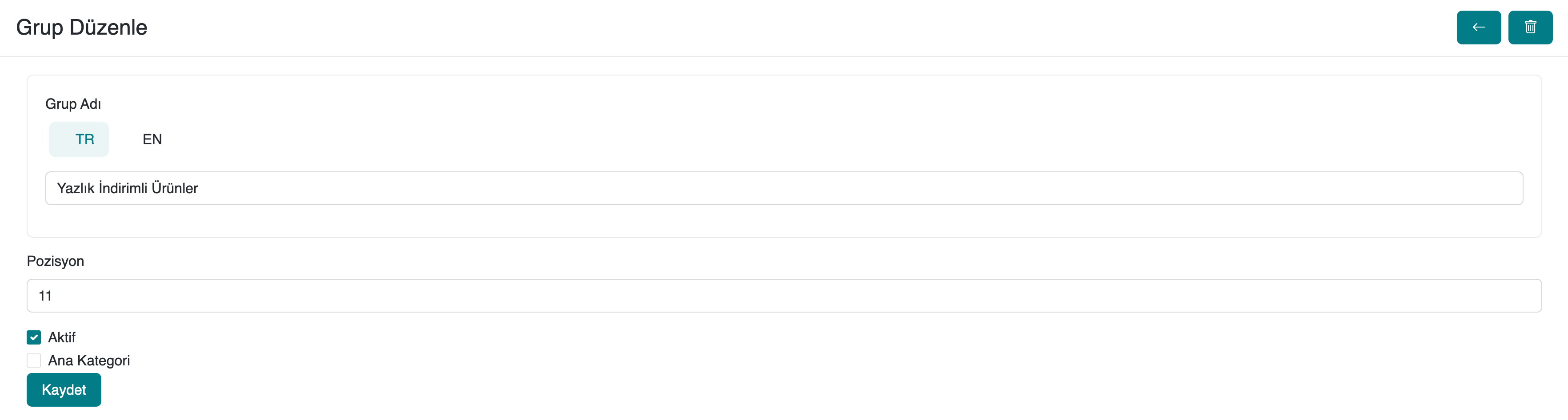
To delete a product group in your serB2B system, click the  button in the top right corner and delete the record.
Contact and Support
For any questions or support requests, you can contact our support team. We will be happy to help.