All Stock
View stock information for products across all warehouses from a single screen. You can track how many units of each product are in which warehouse, along with variant information and minimum stock values.
1. All Stock
To access this page; Admin Panel > Warehouse Management > All Stock
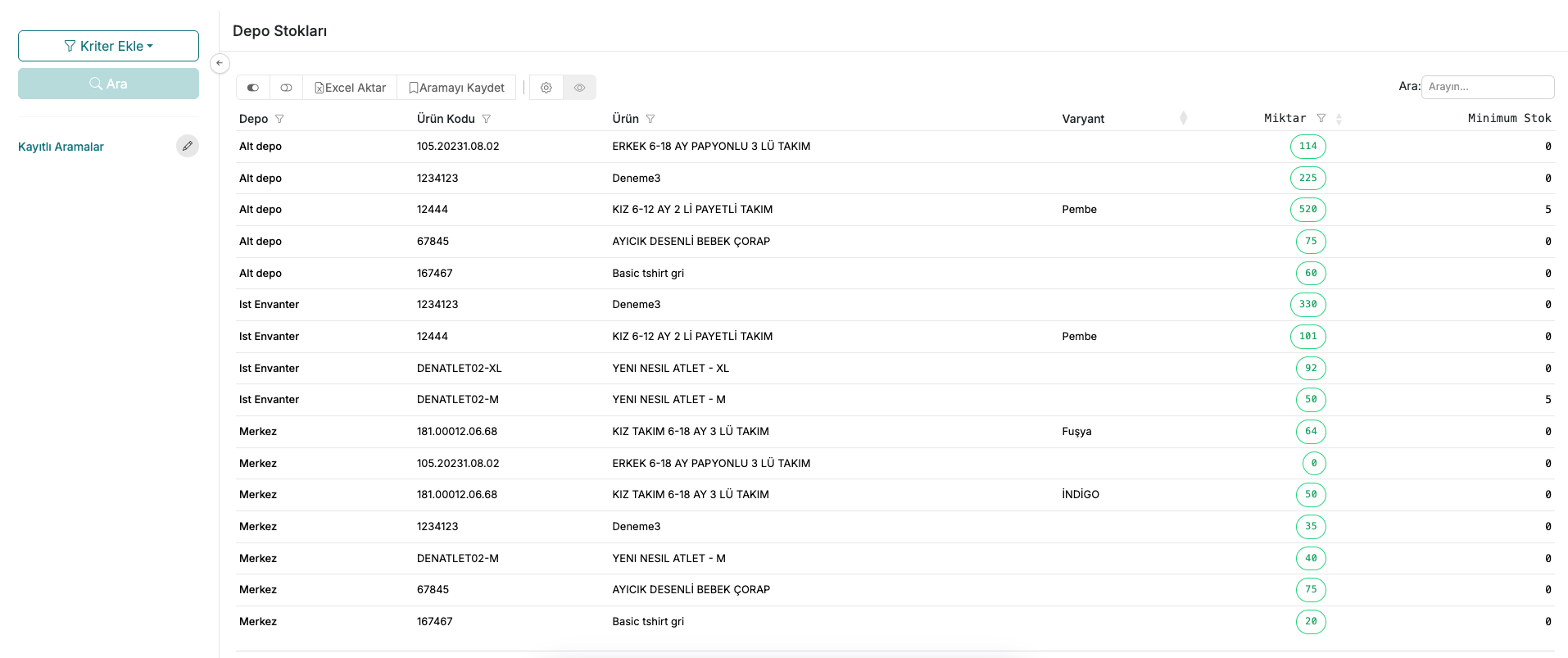
The list displays the warehouse name, product code, product name, variant, quantity, and minimum stock information for each row. Quantity values are highlighted with colored labels, making it easy to spot products approaching their minimum stock threshold.
Contact and Support
If you encounter any issues or need assistance, you can contact our support team. We will be happy to help you as soon as possible.